
Blogging without detours
Write, illustrate, tag and schedule posts — and show what's new on any page of the website.
Open the demo blog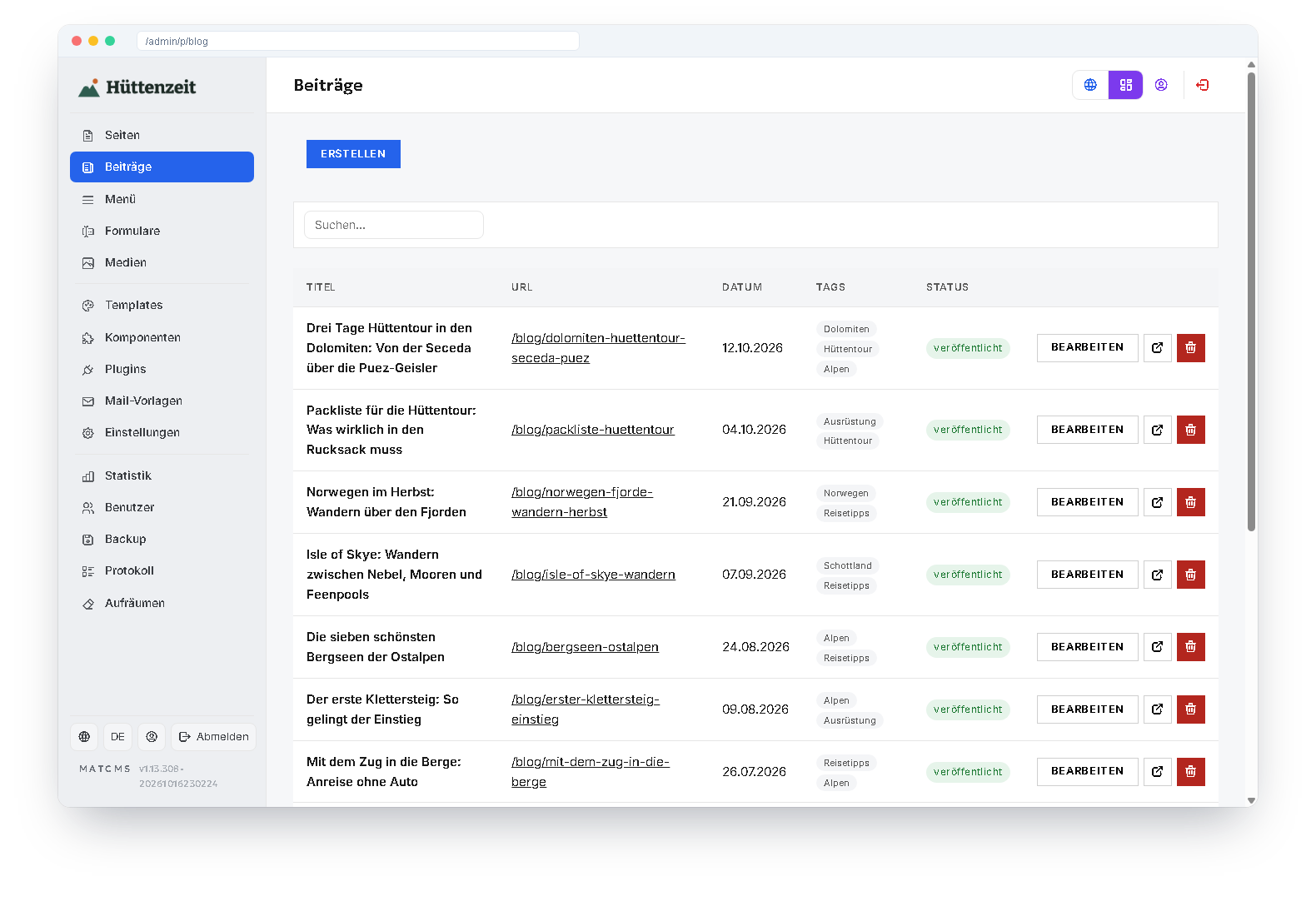
What the blog can do
Title image & gallery
Every post with a title image and as many pictures as you like — as a grid or to click through, with a lightbox.
Tags
Tag your posts and filter lists by tag — for travel destinations or product topics, for example.
Scheduling
Set a date in the future — the post appears by itself, until then only editors see it.
Post from a link
Paste an Instagram, Facebook or web link: text, date, source and images are taken over.
Post lists everywhere
The “Posts” block shows the latest ones or one tag — as cards or a list, with filter and pages.
Sitemap & preview
Posts appear in the sitemap and bring title, text and image for the preview in social networks.
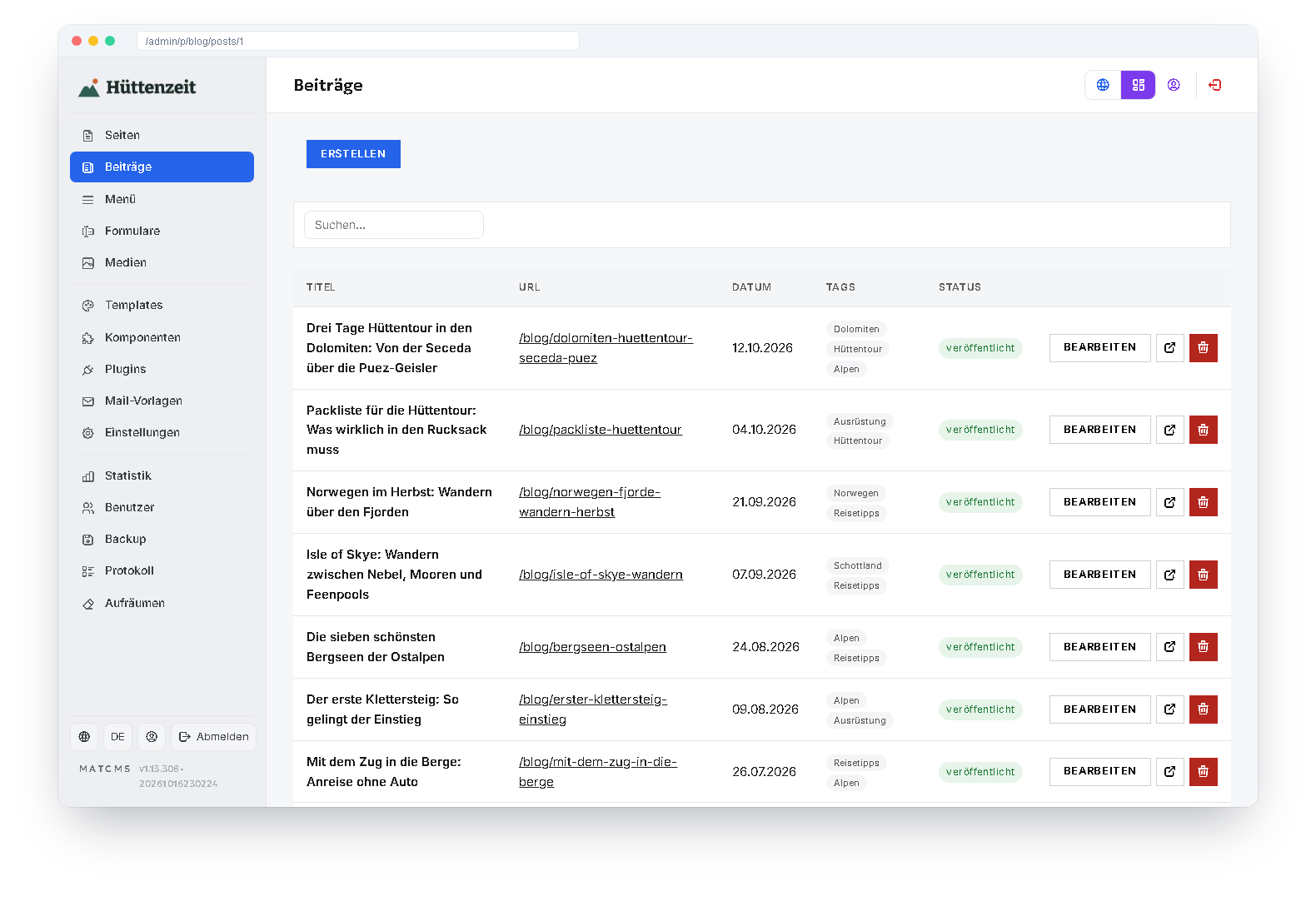
Write where the work is
Title, address, title image, gallery, text, tags, date and attachments — all in one form. The post list shows status, date and tags at a glance.
Or let someone write for you: the AI assistant writes posts on a topic, picks a fitting title image from the media library and links to your pages.
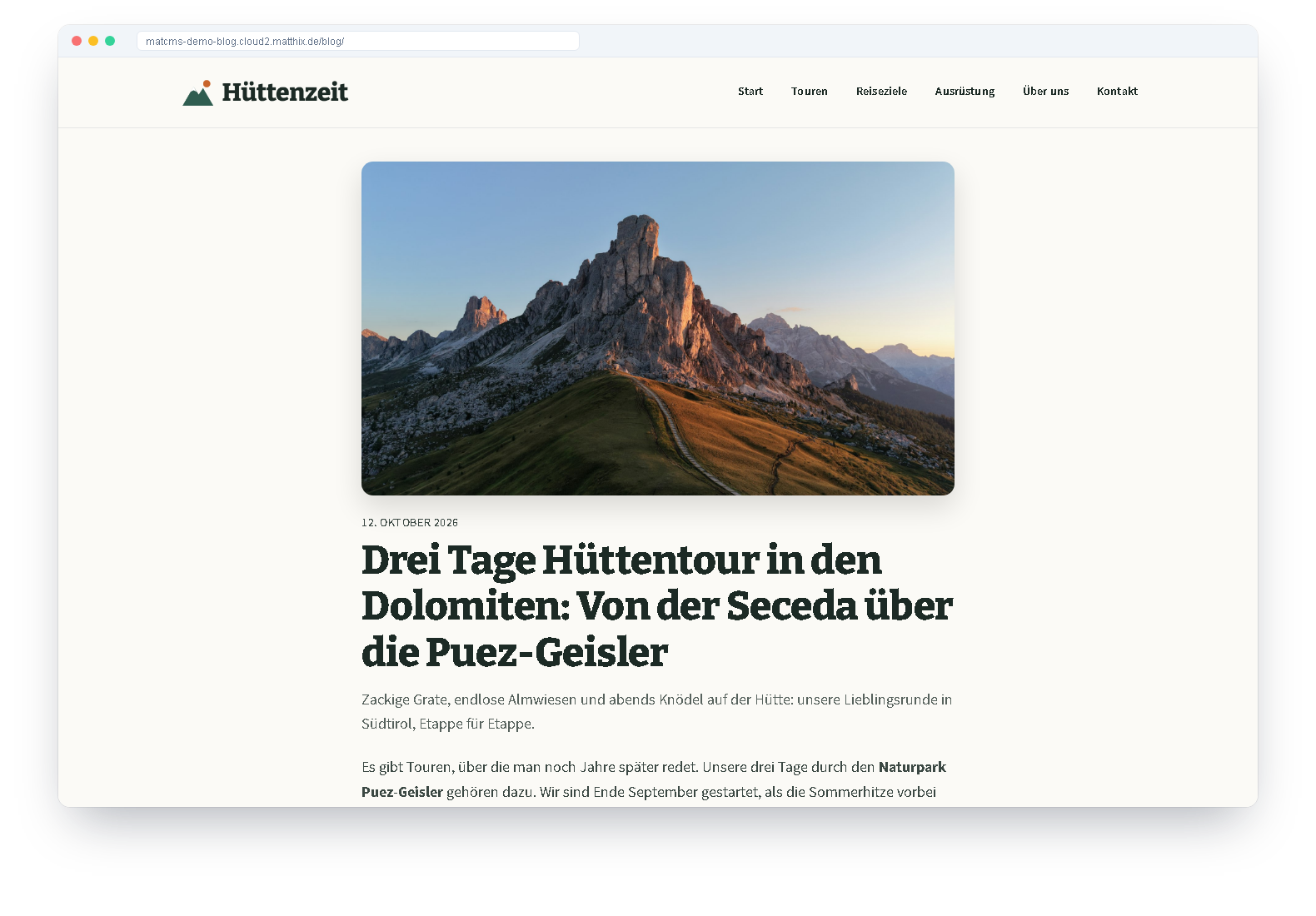
This is what it looks like
Our demo blog “Hüttenzeit” tells of cabin tours, mountain lakes and long-distance trails — with twelve posts, galleries and post lists by region.
It works as company news, too
The demo company website “Brenntal Filtertechnik” uses the blog as its news section.
Open the company demo